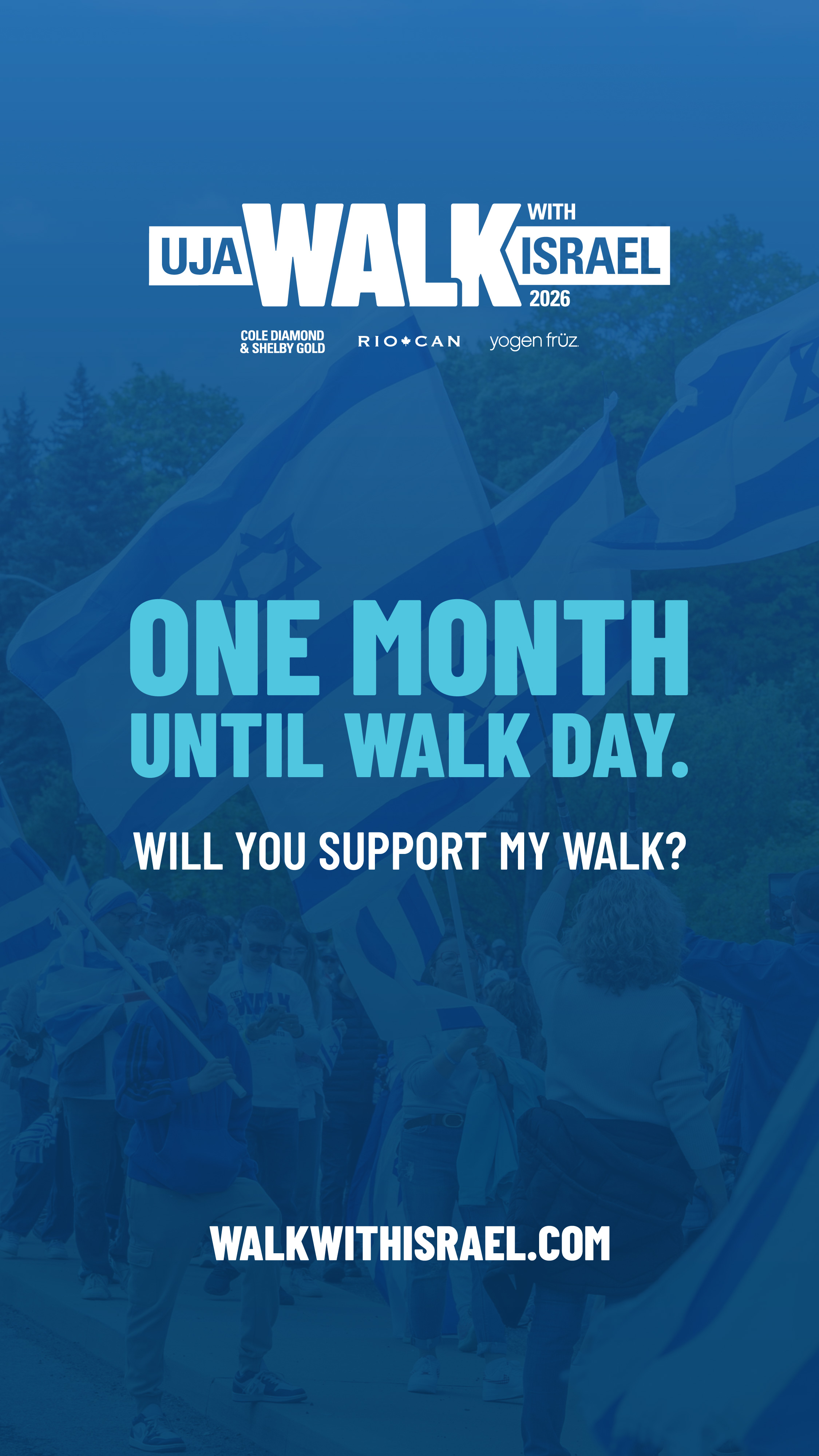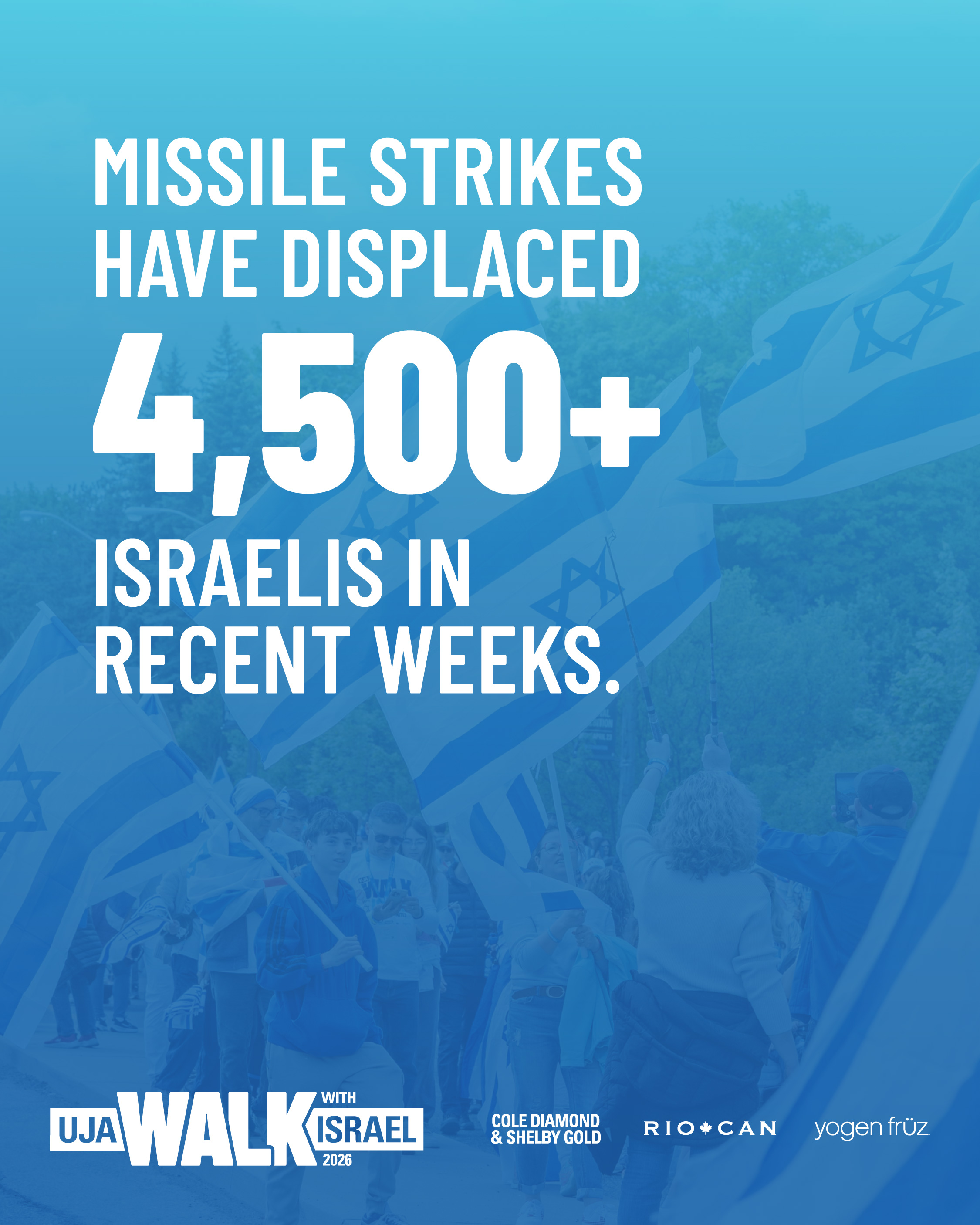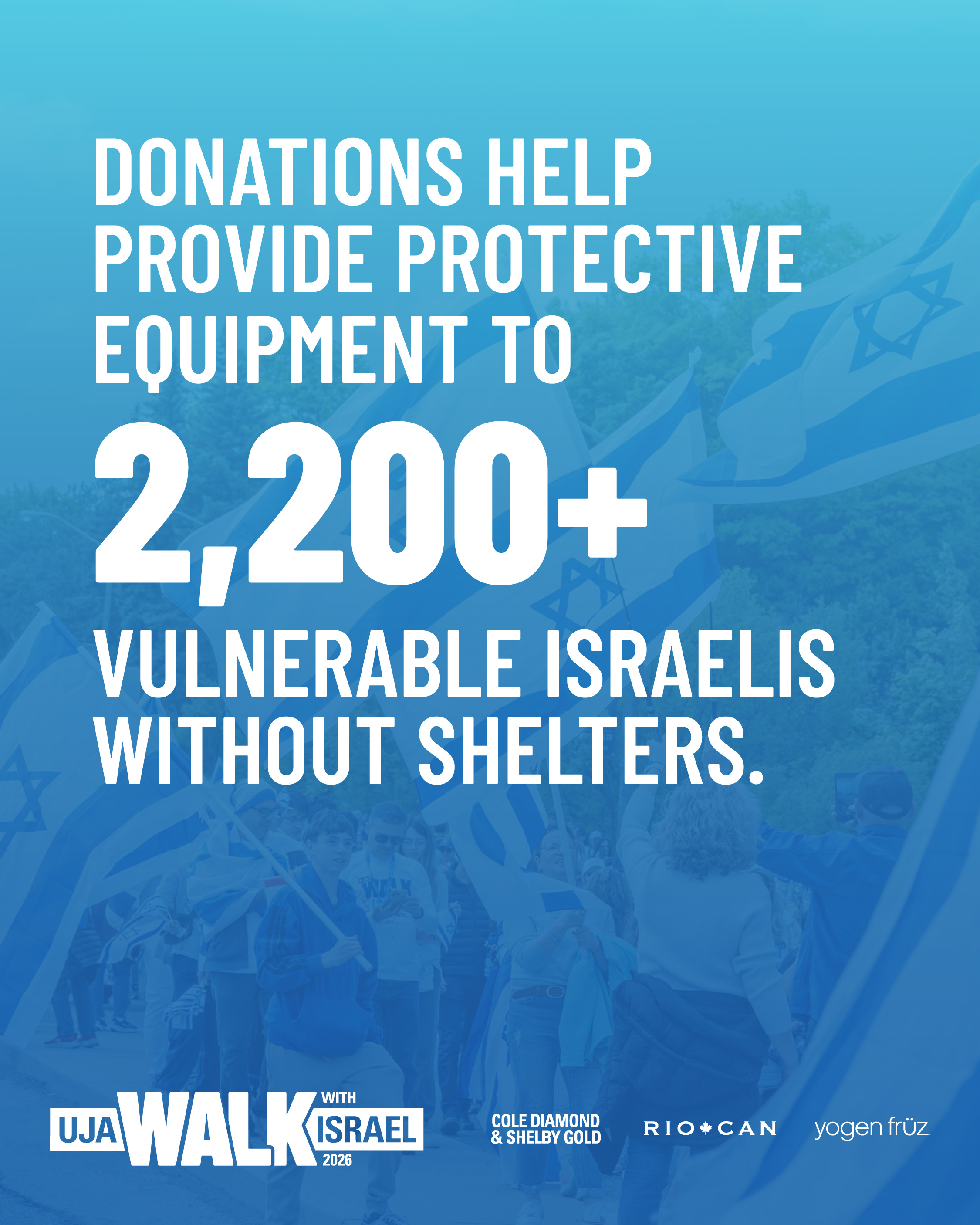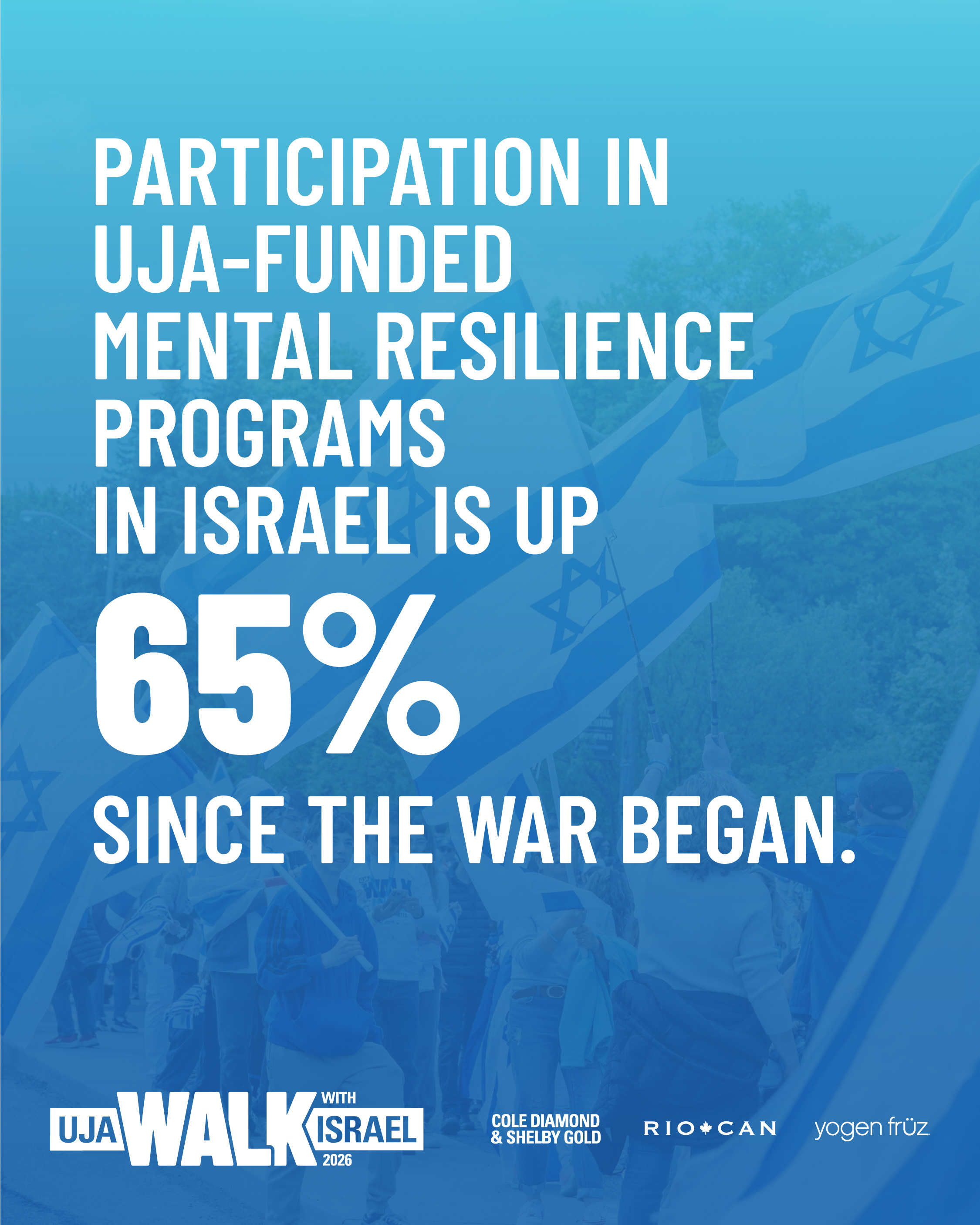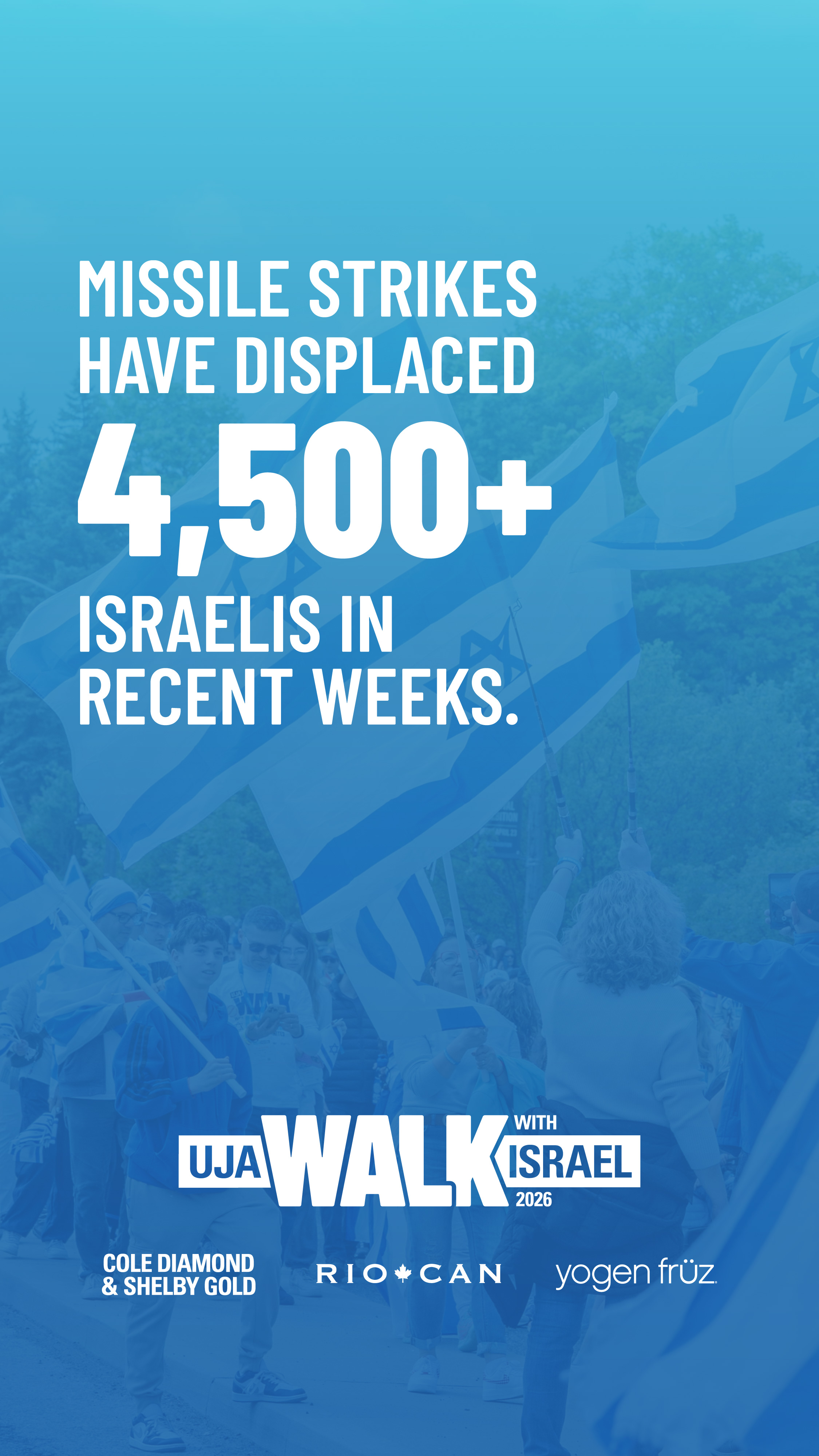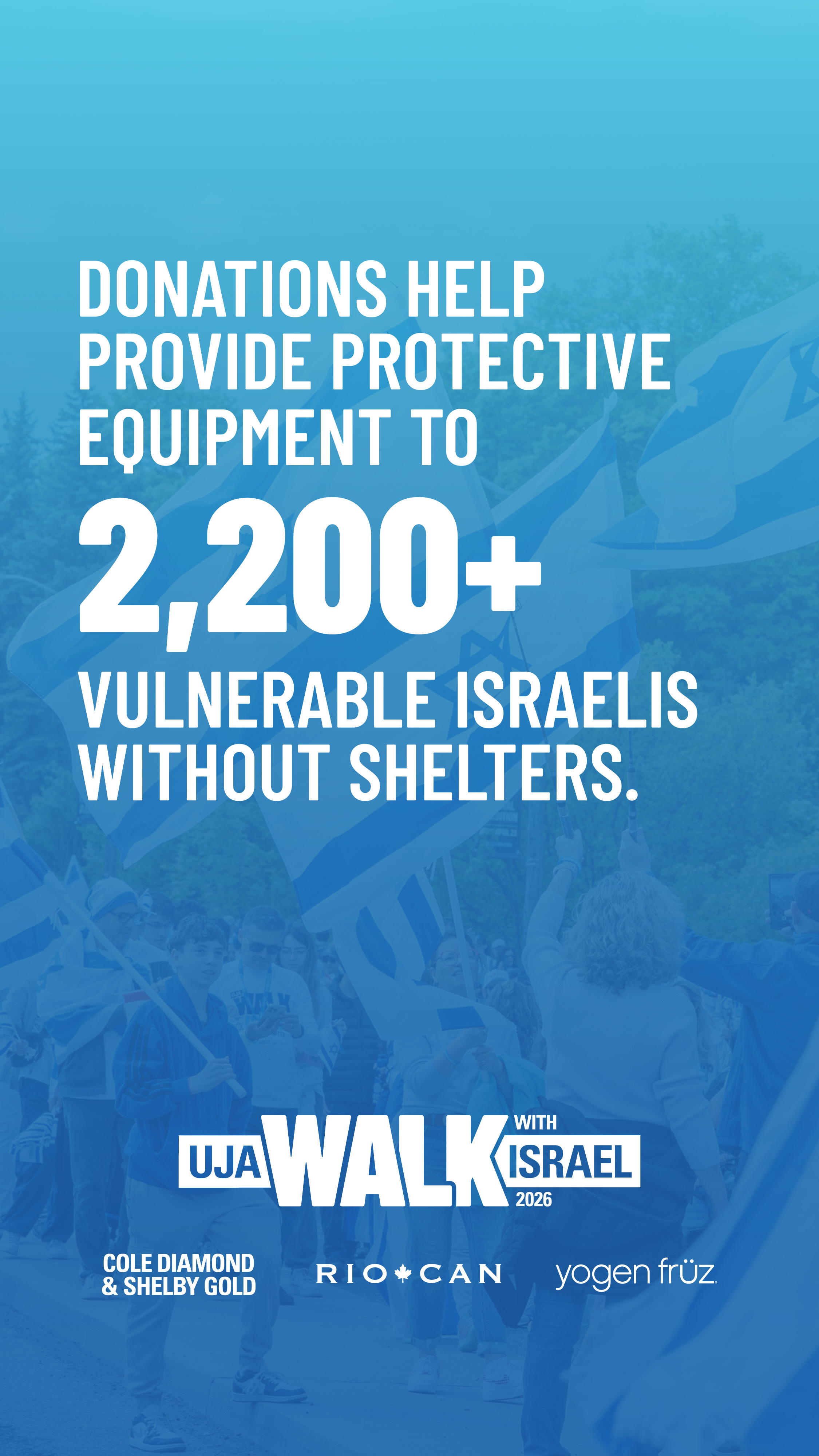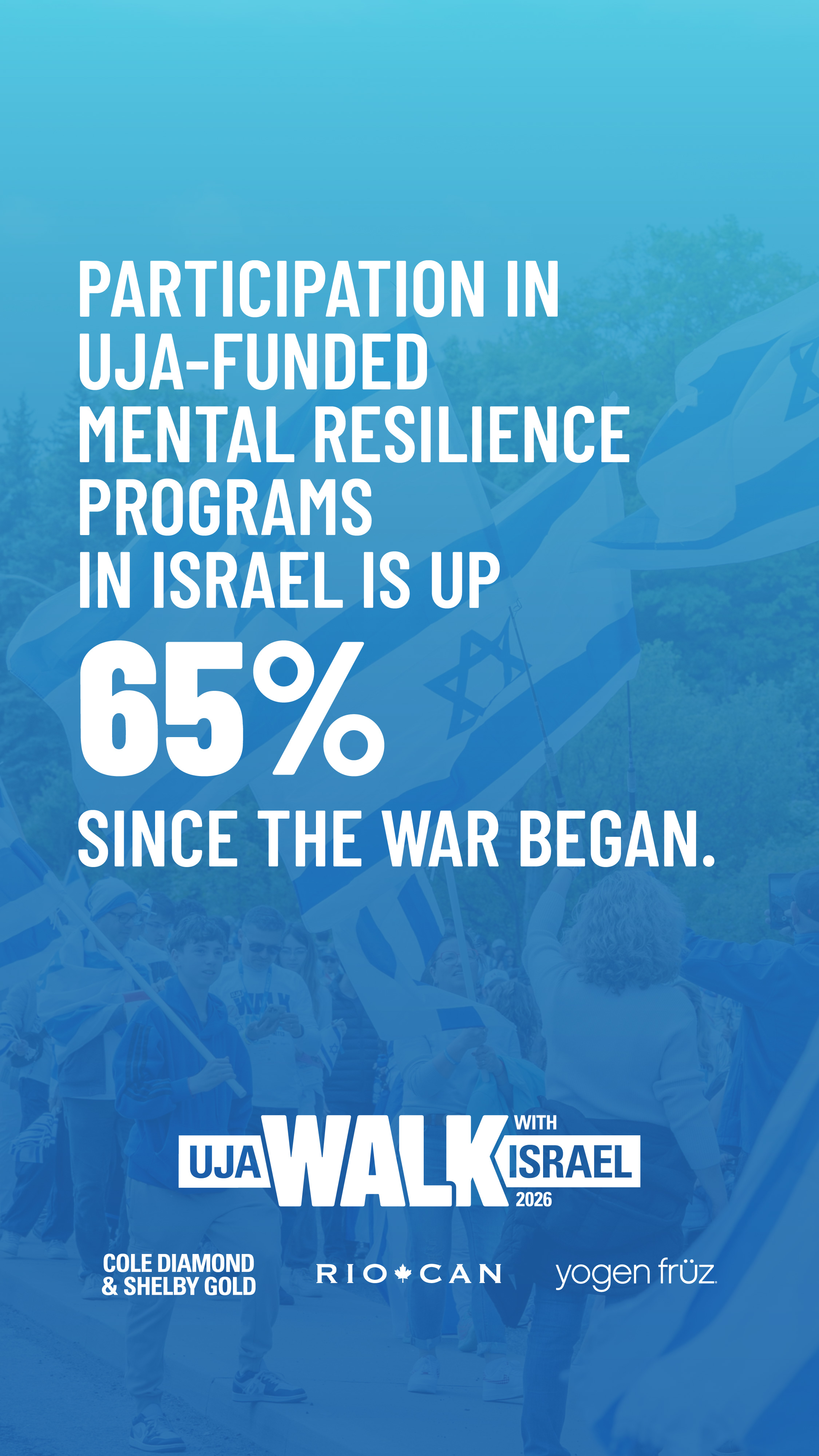

Show your impact! These social media assets are a meaningful way to highlight how donations to the Walk with Israel support Israelis. Use the power of social media to spread the word and help reach your fundraising goal.
To download on a computer:
1. Right-click the image you want to share.
2. Click “Save image as…” (or similar).
3. Choose where to save it and click “Save.”
To download on a phone or tablet:
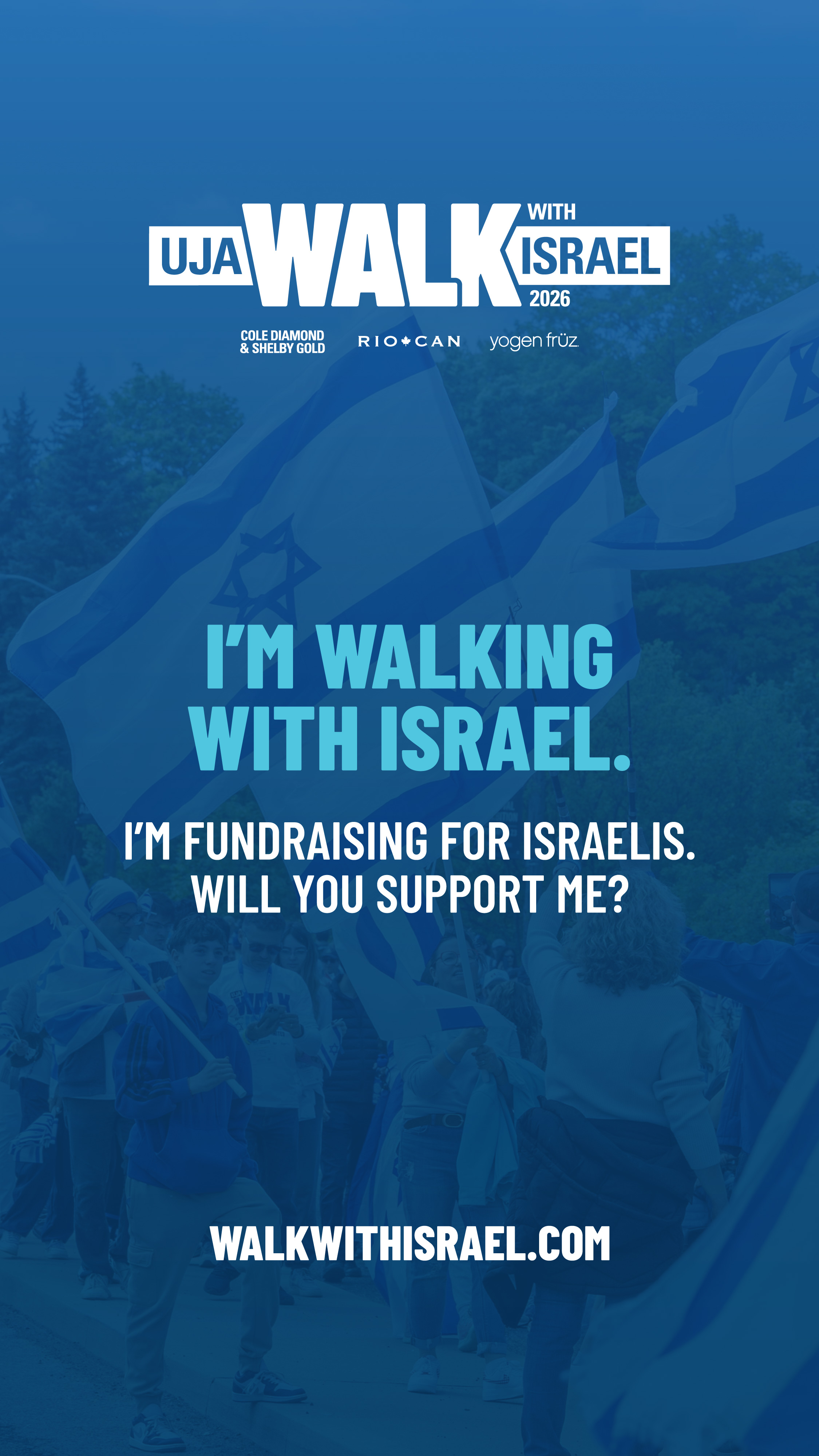
1. Press and hold your finger on the image you want to share.
2. Choose “Save image” or “Download image” from the pop-up menu.
3. The image will go to your Photos app or Downloads.